Features
Five ways to shape your displays.
LumoTray brings wallpapers, screensavers, Lock Screen images, hot corners, and a personal quick menu into one compact desktop app.

Wallpapers
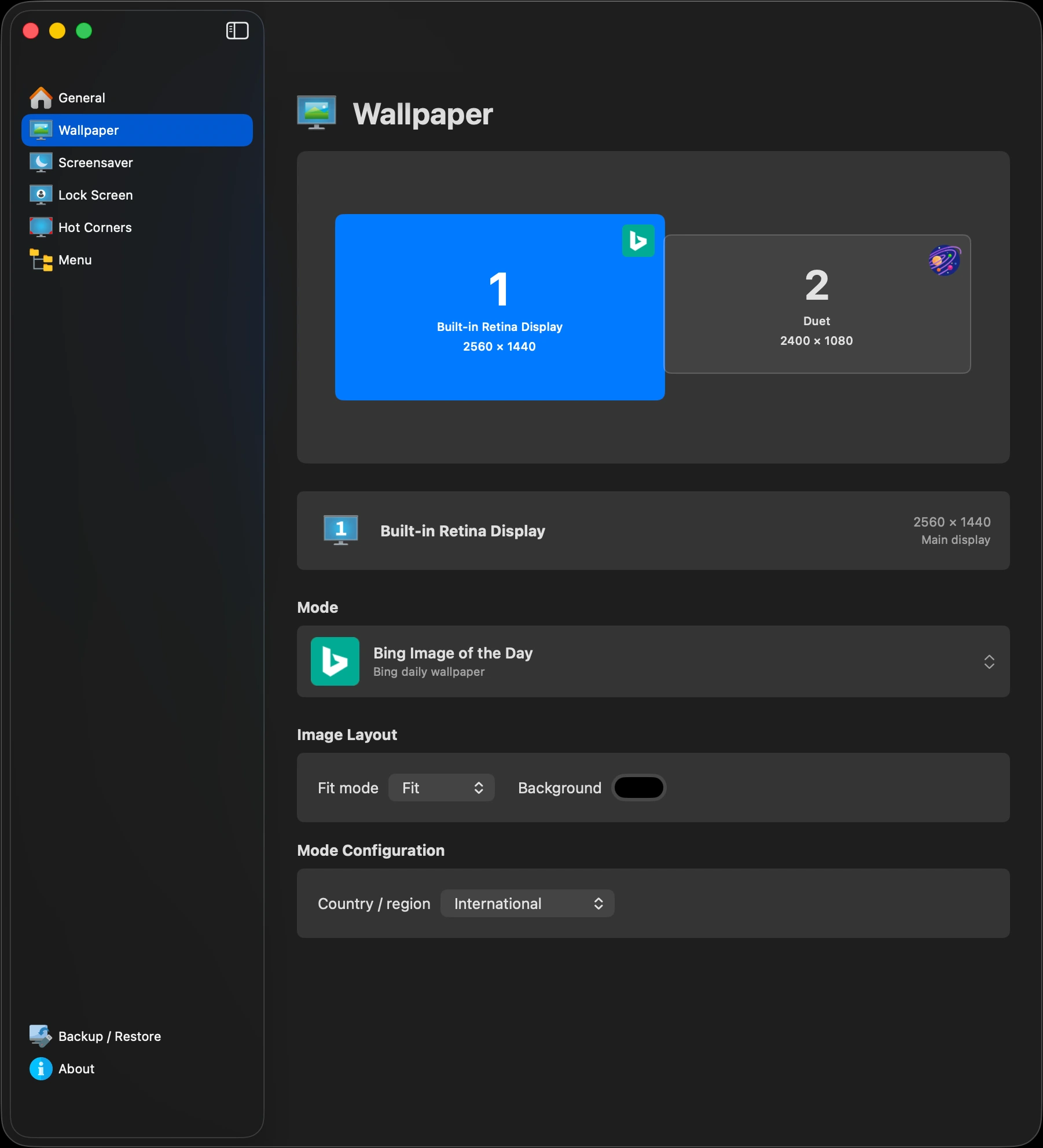
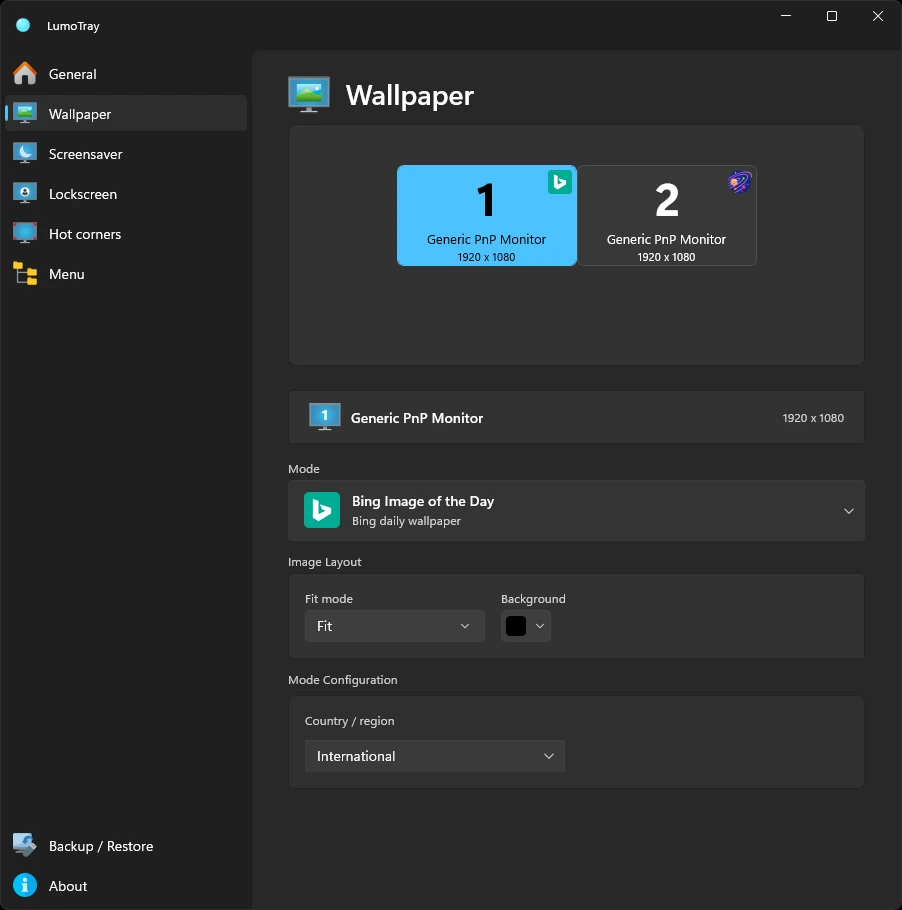
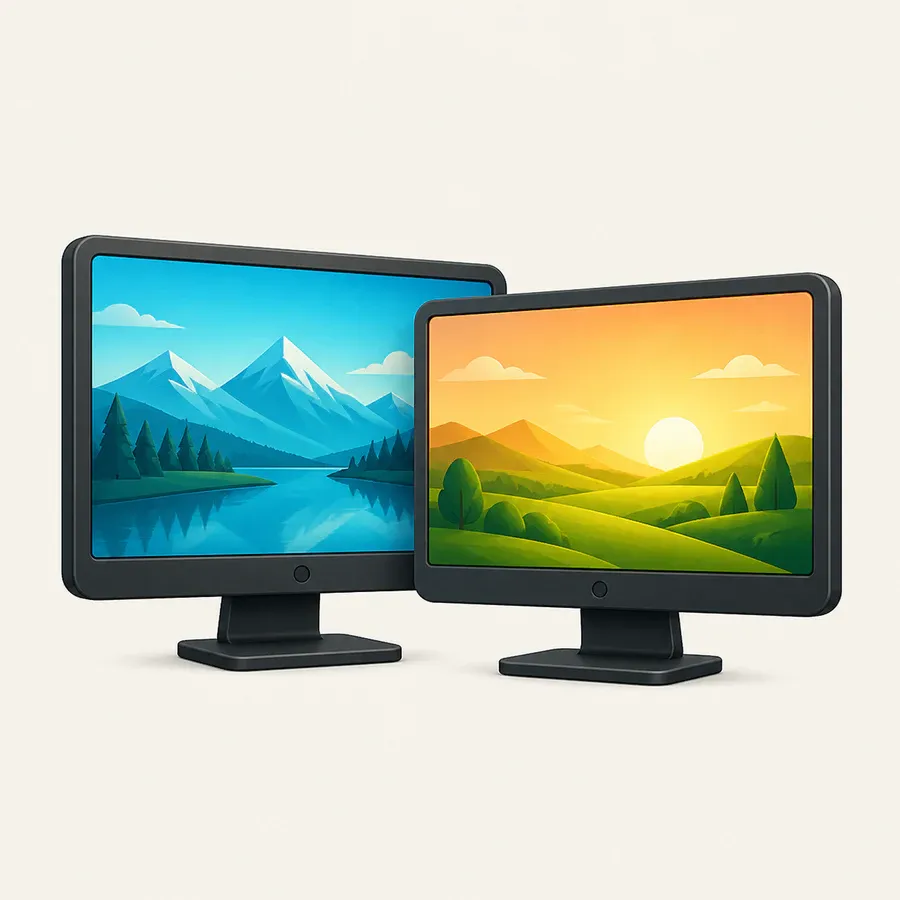
Give each monitor its own image, slideshow, online source, or live scene - and keep the settings attached to the right physical display.
Screensavers
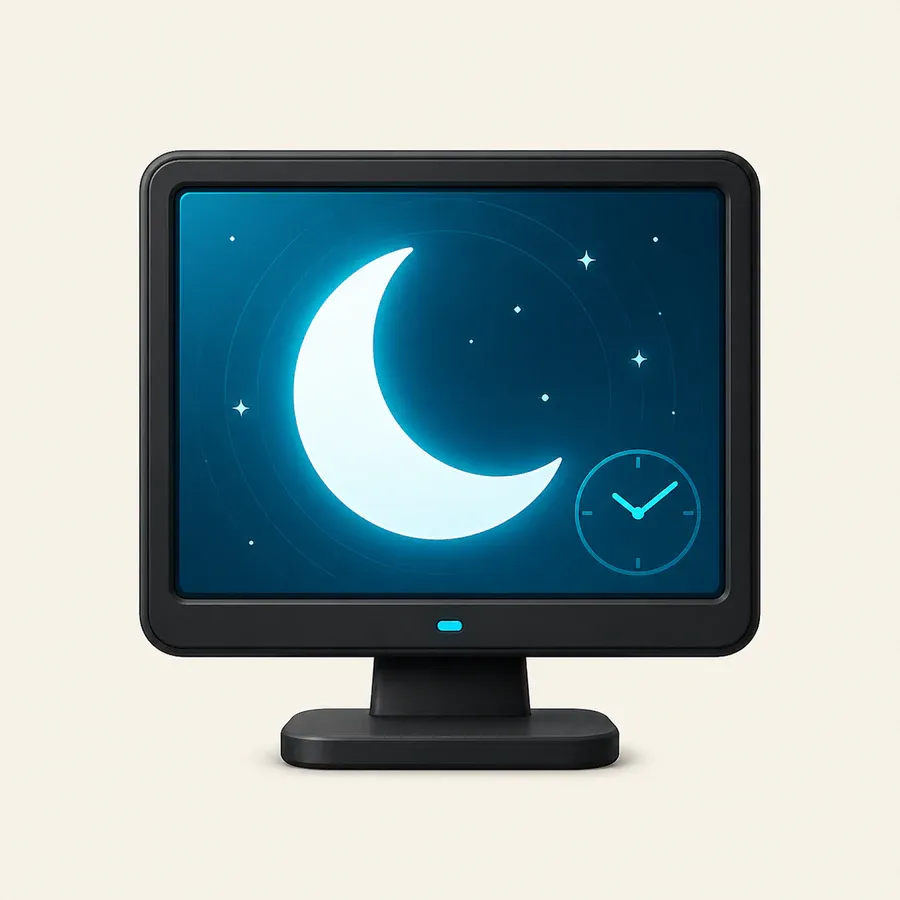
Run a clock, artwork, video, slideshow, webpage, shader, timer, or something entirely different on each display.
Lock Screen
Use local images, slideshows, NASA, Bing, Spotlight, Unsplash, Wallhaven, or museum art for the Lock Screen.
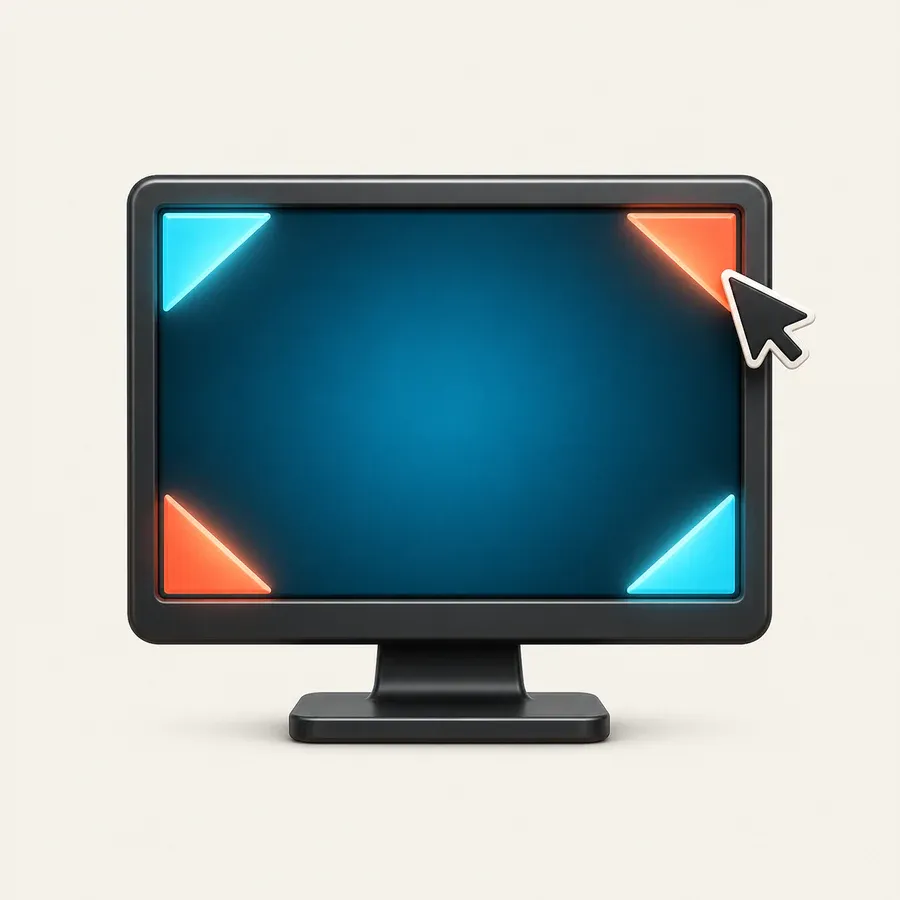
Hot corners
Move into a screen corner to start a screensaver, lock, open the custom menu, show the desktop, launch an app, or perform another useful action.
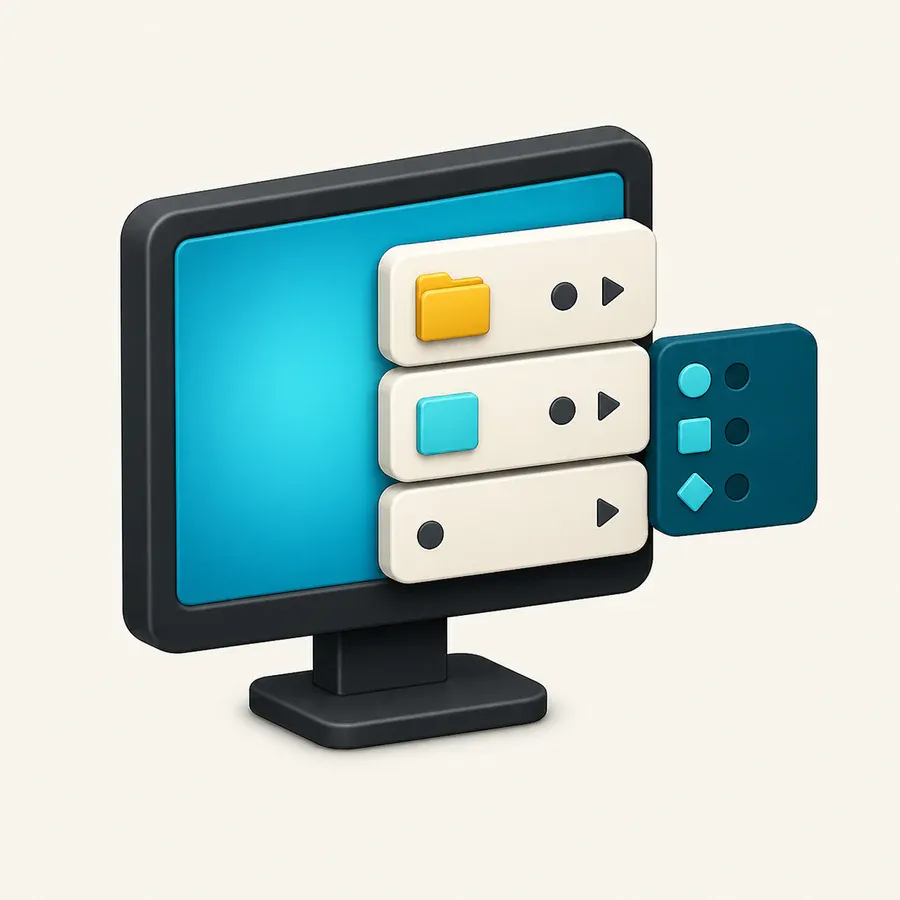
Custom menu
Build a personal nested menu for applications, files, folders, and websites, then open it from the Windows tray or macOS menu bar.
Mac and Windows
The same ideas, fitted to each desktop.
Core features remain familiar across both apps while controls, menus, and system behavior follow each platform.