
Windows LumoTray for Windows
Your Windows desktop, beyond Settings.
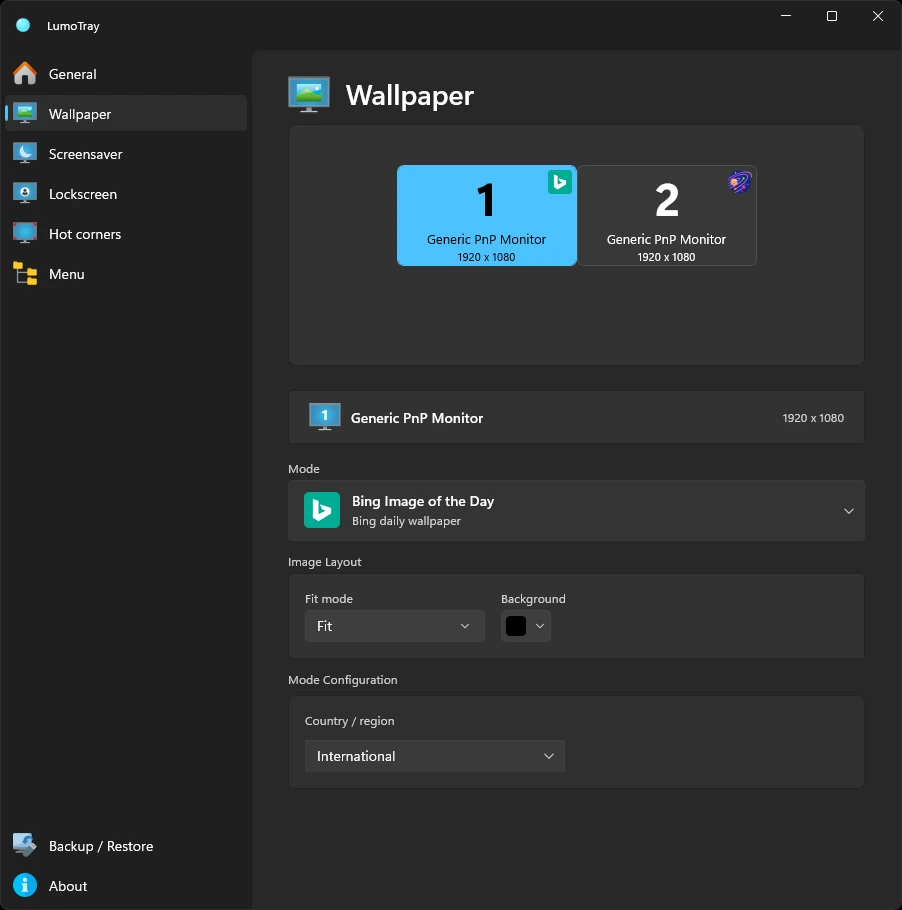
A Fluent tray utility that gives each monitor its own wallpaper, screensaver, and behavior, with the controls always close by.
Download for WindowsWindows 11 - x64 or ARM64
Always close by
From the tray to every display.
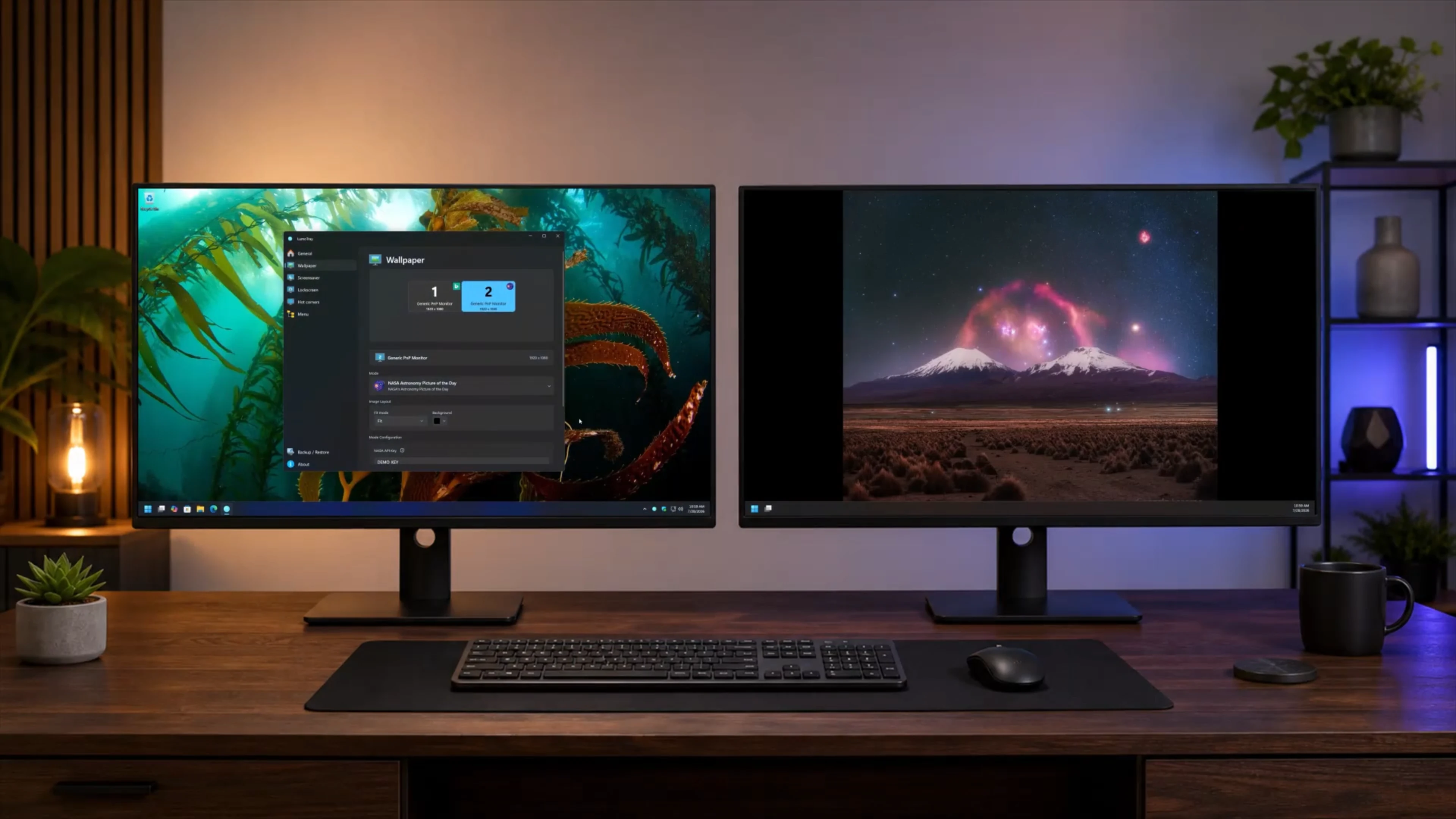
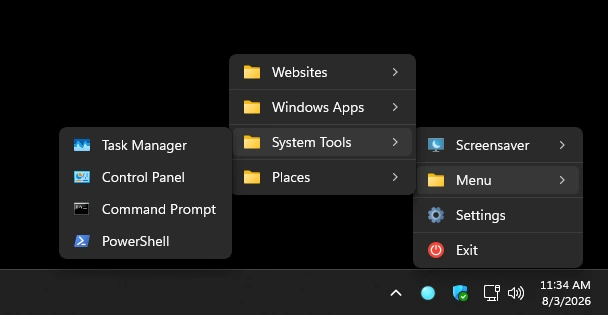
Launch a shortcut in place, or open the full app to tune wallpapers, screensavers, and display behavior.
Configurable click behavior
Make the tray icon work your way.
Alongside quick access to the screensaver and custom menu, you can configure several click behaviors for the tray icon.
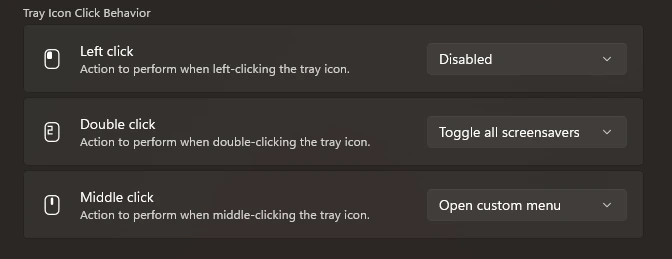
Set a separate supported action for left, double, and middle clicks on the Windows tray icon.
Five tools, one display model
Configure the screen you mean.
LumoTray keeps each monitor’s modes and settings separate, even when you change docks, reconnect a display, or mix static and live content.
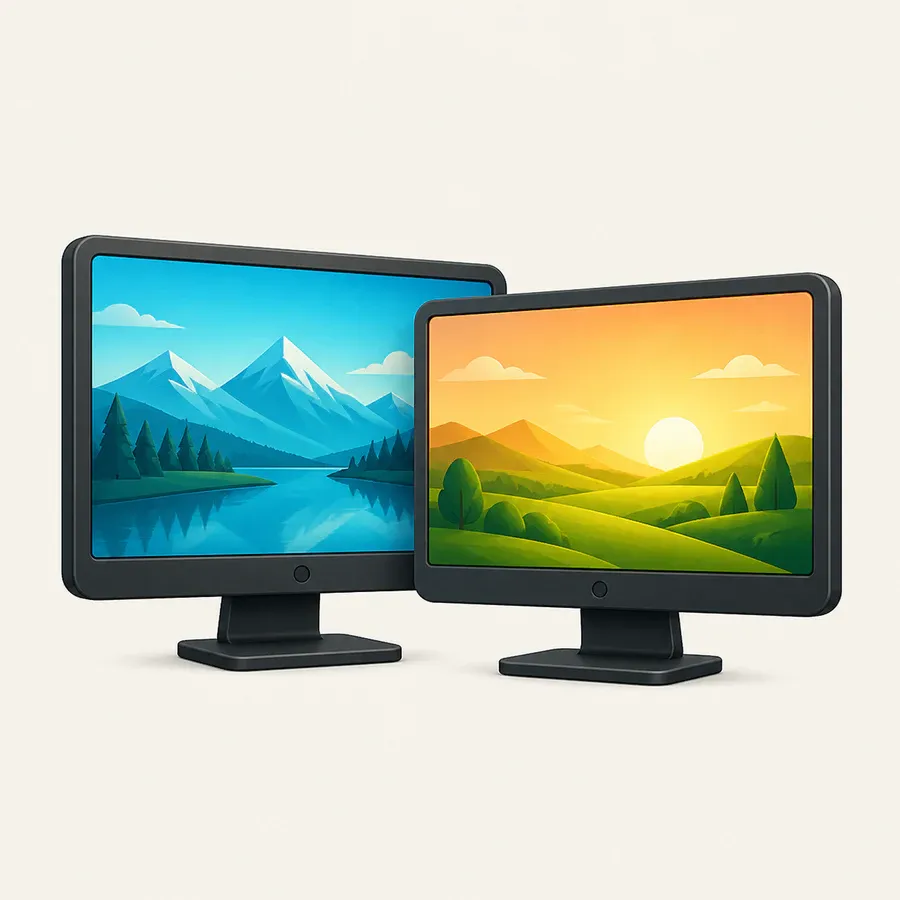
Wallpapers
Images, slideshows, online sources, and live scenes per display.
Screensavers
Clocks, artwork, media, webpages, and useful fullscreen modes.

Lock Screen
One managed Windows Lock Screen with rotating image sources.
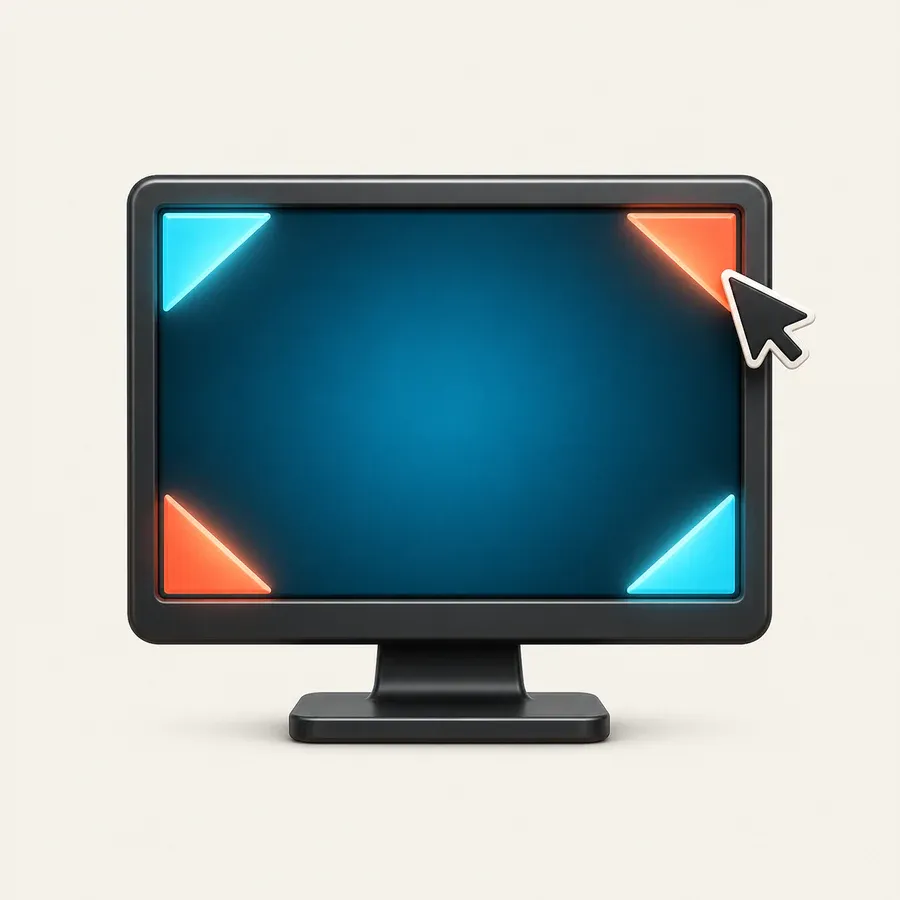
Hot corners
Display-aware actions with deliberate dwell and rearming.
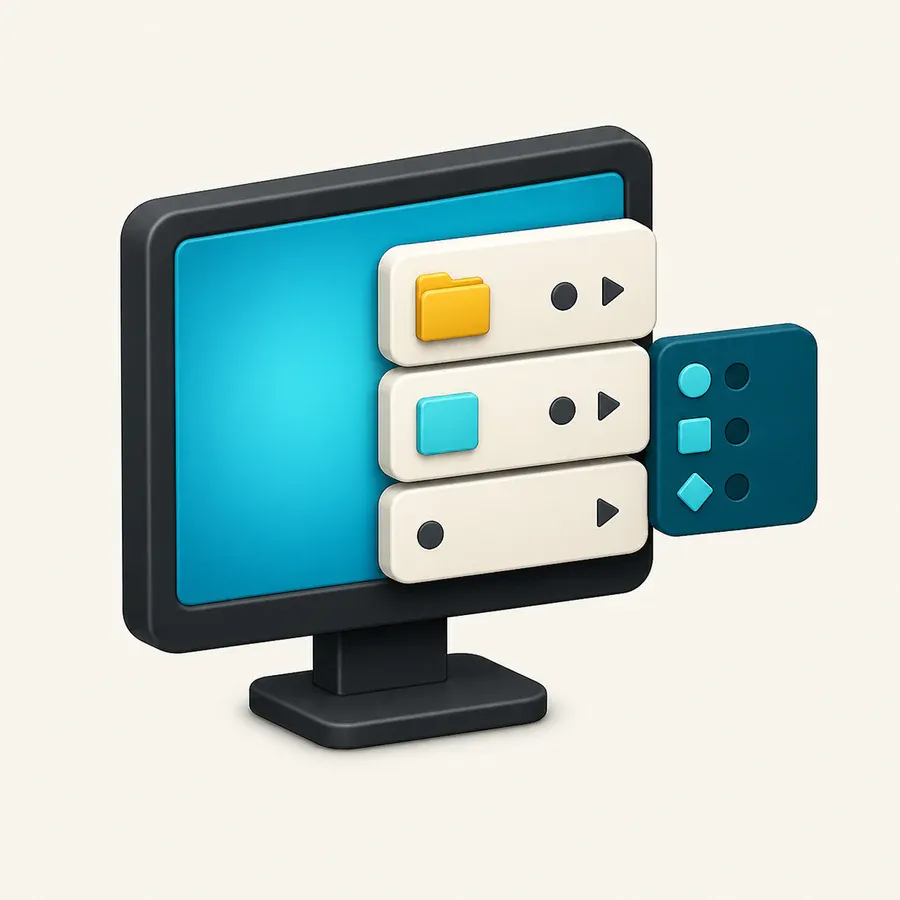
Custom menu
Apps, files, folders, websites, and scripts from the tray.
What to expect
Built and tested for Windows 11.
LumoTray is designed for Windows 11 on x64 and ARM64 computers.
Download LumoTray directly, or visit its Microsoft Store page first.
Ready when you are
Bring LumoTray to Windows 11.
Download for WindowsLooking for the other version? LumoTray for Mac →