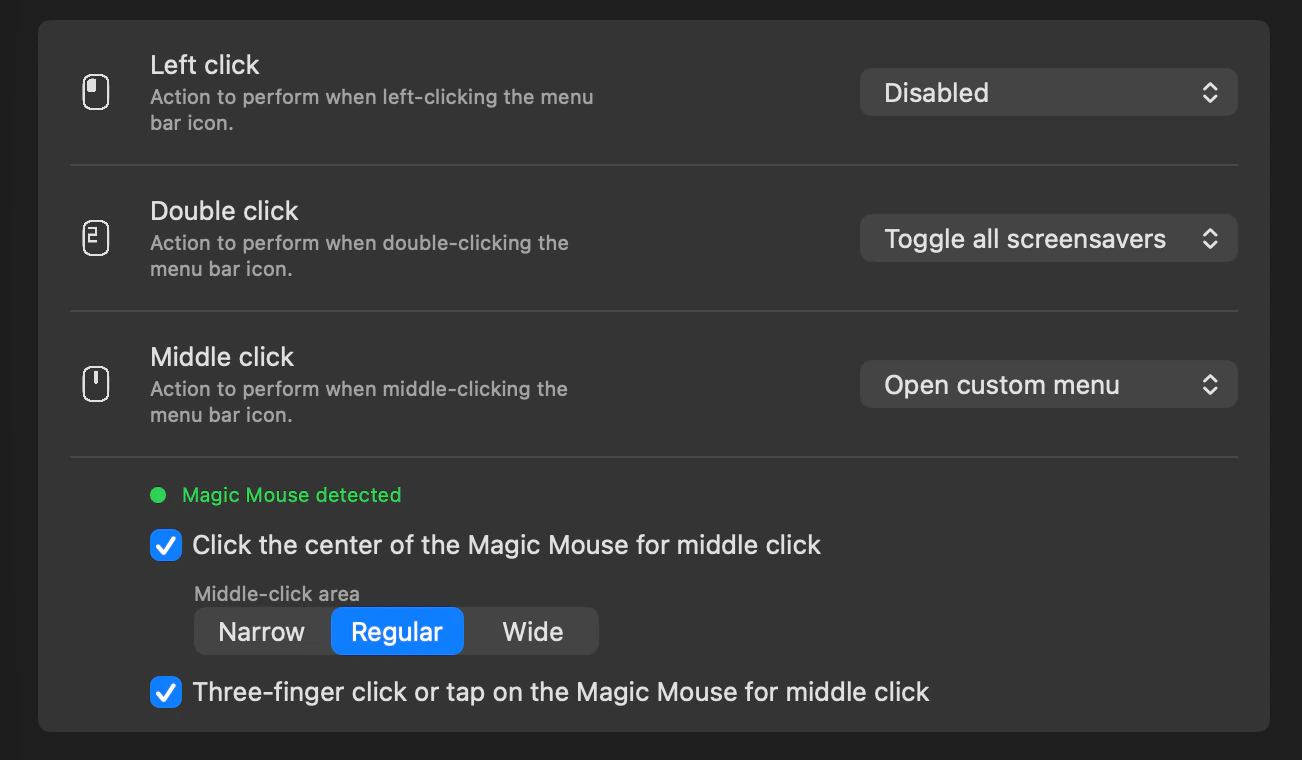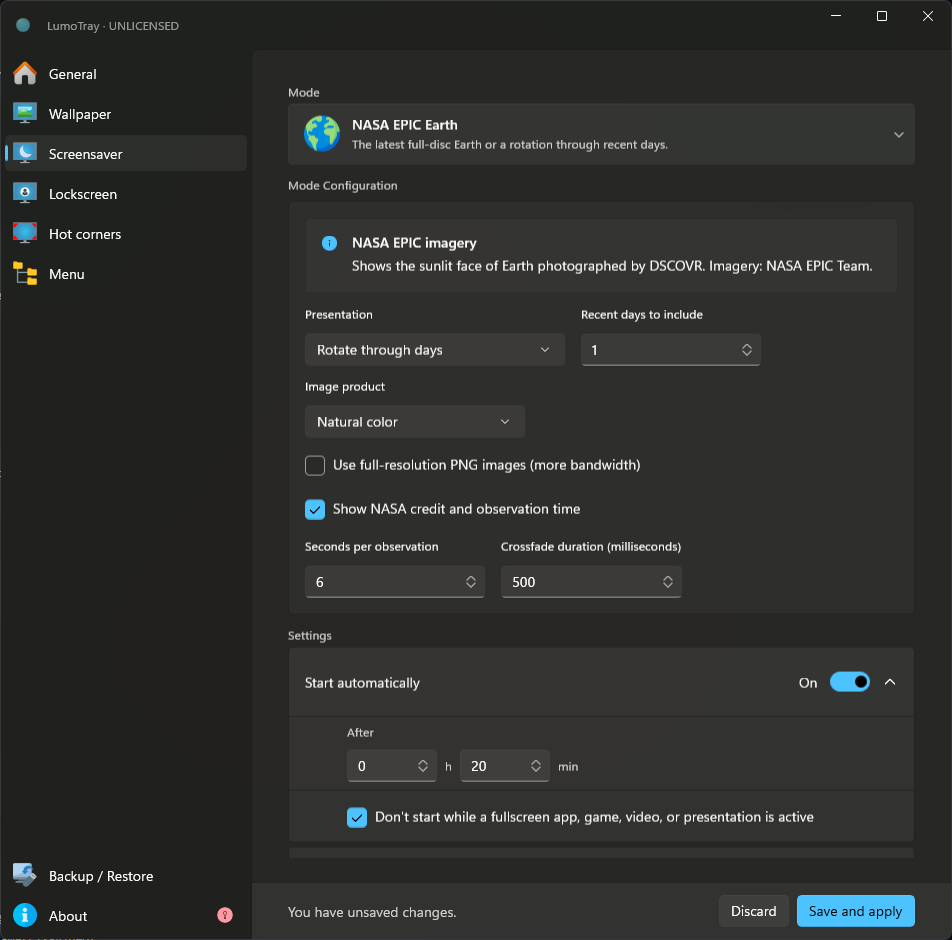
LumoTray 2.3.5 for Windows and Mac Beta 2
LumoTray 2.3.5 improves screensavers, downloads, tray menus, and custom shortcuts on Windows, while Mac beta 2 brings startup and app-lifecycle fixes.
Read the article → LumoTray
Notes from a multi-monitor desk
Release notes, careful comparisons, and practical ways to make Mac and Windows displays behave better.
LumoTray 2.3.5 improves screensavers, downloads, tray menus, and custom shortcuts on Windows, while Mac beta 2 brings startup and app-lifecycle fixes.
Read the article →LumoTray for Mac enters public beta alongside a redesigned website and LumoTray 2.3.3 for Windows, with one personal license for both platforms.
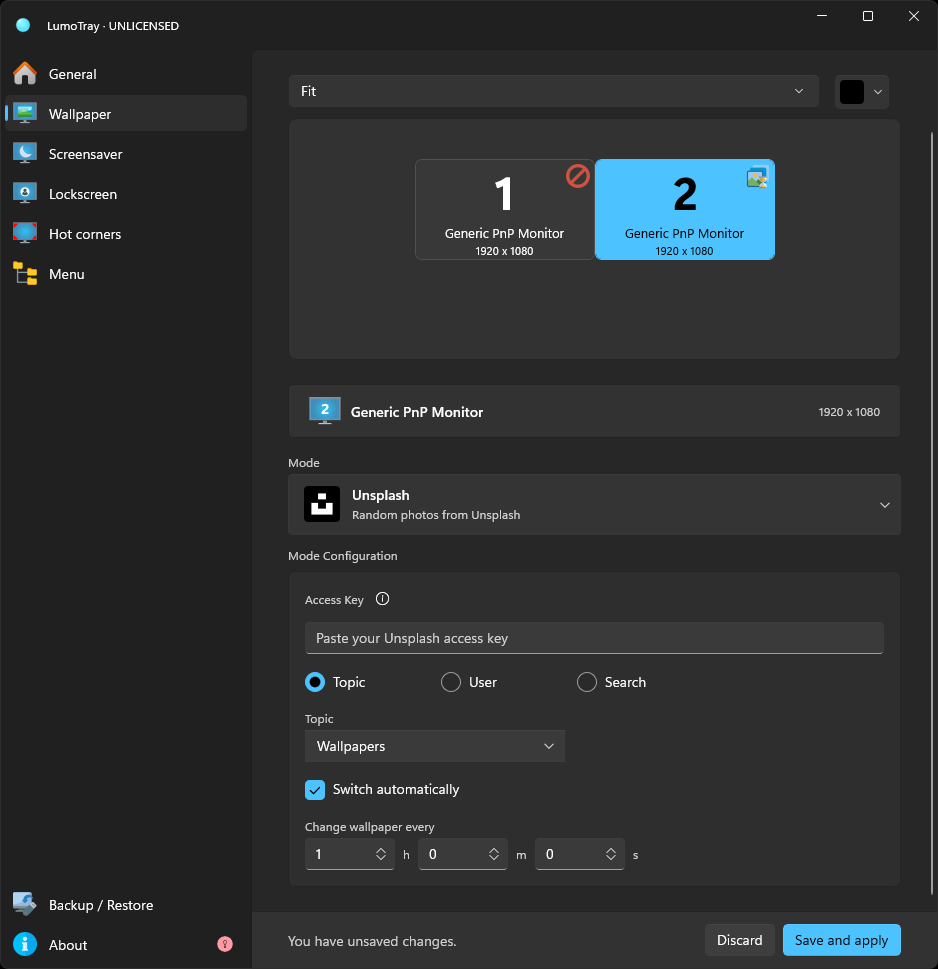
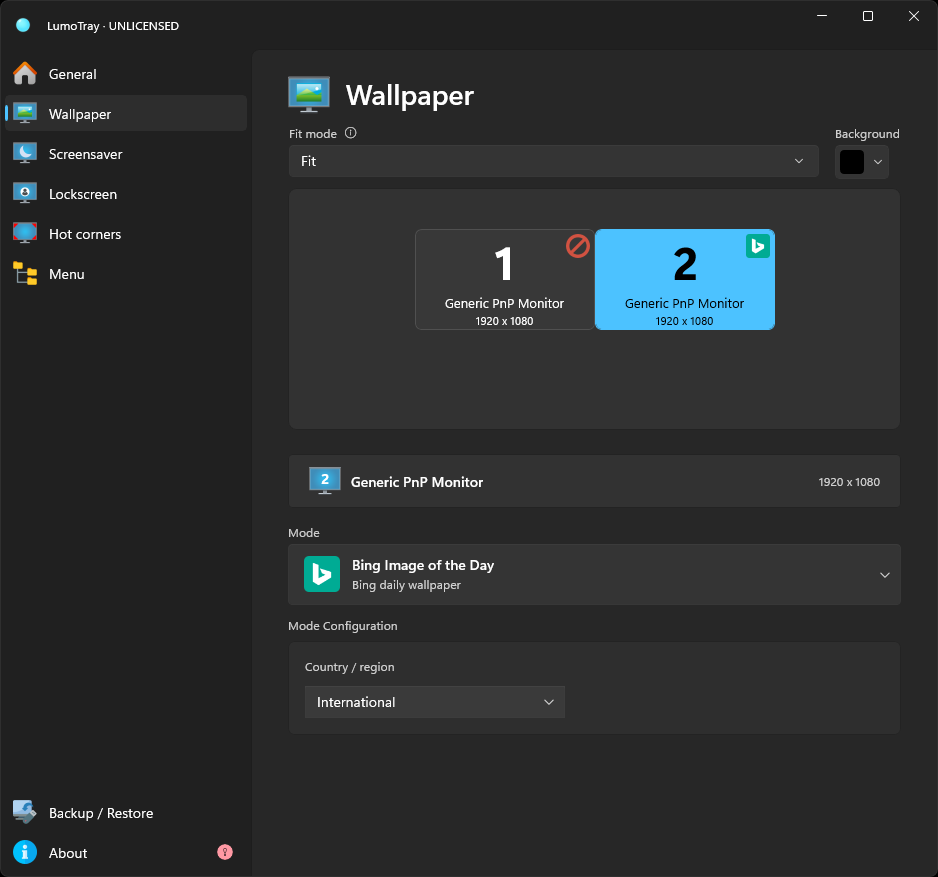
Compare Windows wallpaper options with LumoTray sources including Unsplash, Wallhaven, Bing, NASA, and Spotlight, assigned separately per monitor.
The Windows 11 August 2026 preview update (KB5101684) landed last week with 42 fixes and a handful of new features for Windows 11 24H2 and 25H2.
LumoTray 2.3.2 is now available on the Microsoft Store. It addresses the memory pressure introduced in 2.3.1 and includes a few smaller improvements.
In 2021, Windows 11 shipped without the ability to move the taskbar. You could drag it to the top, left, or right in every version of Windows since 95.
LumoTray 2.3 and 2.3.1 have both rolled out on the Microsoft Store.
A lock screen picture is one of the simplest things to change in Windows. Right-click a photo, set it as your lock screen, done.
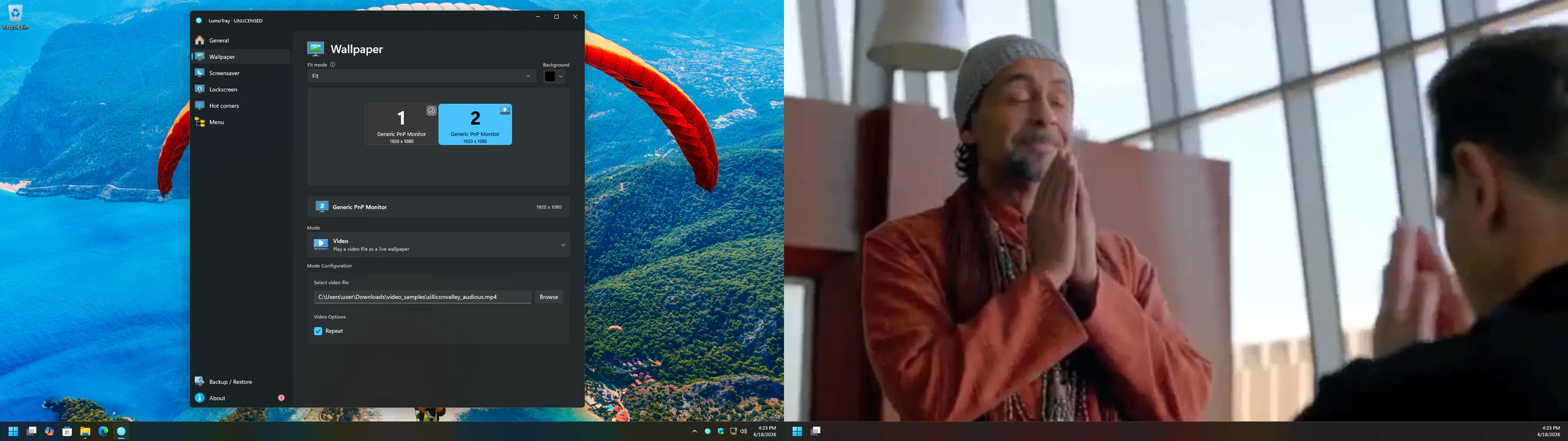
Windows 11 still does not have a built-in way to set a video as your desktop wallpaper. Not in the stable release, anyway.
For over a year, Windows 11 had a wallpaper bug that was easy to reproduce and maddening to live with.
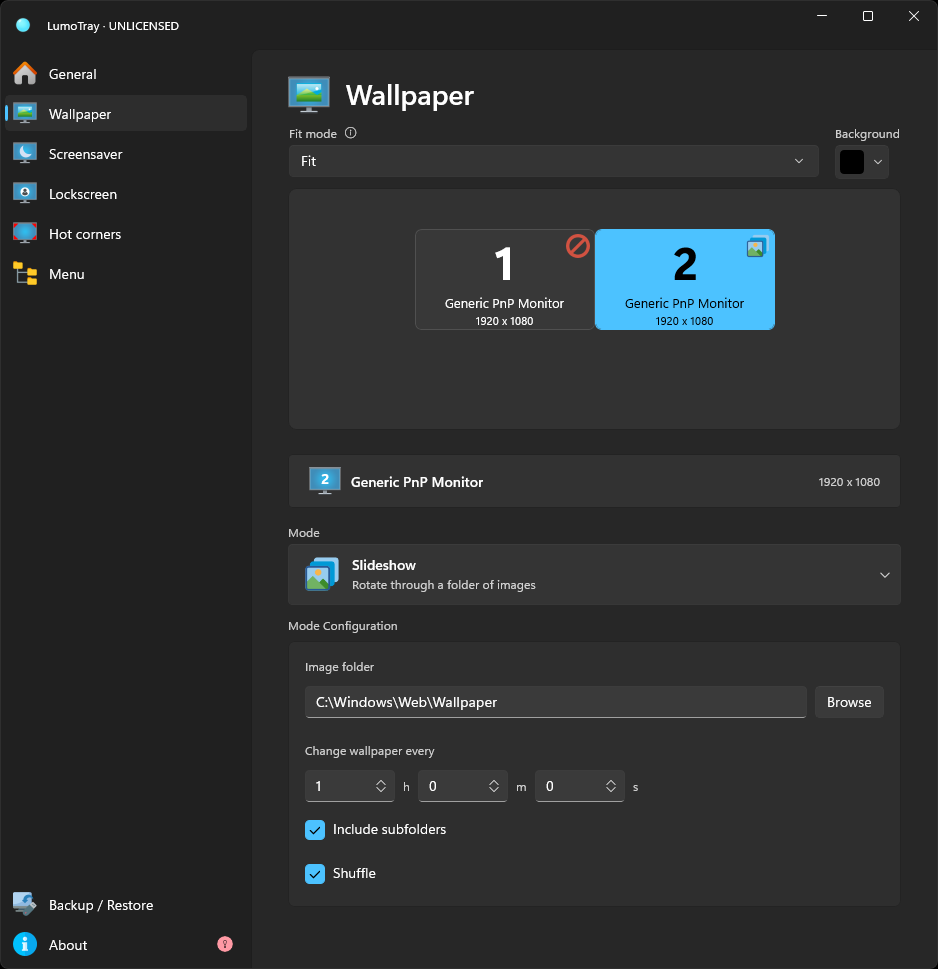
Windows 11 shares one slideshow folder and timer. LumoTray can give each monitor its own folder, schedule, fit mode, and shuffle setting.
A single-monitor Windows 11 PC is straightforward. Pick a wallpaper, tweak the taskbar, done.
Compare Dual Monitor Tools and LumoTray for wallpapers, cursor control, window management, hot corners, and screensavers. See which one fits your setup.
Windows Spotlight is the feature that puts a new wallpaper on your lock screen and desktop every day. When it works, it is great. Sharp photography.
Windows 11 still has screensavers. They are the same screensavers Windows XP had. Bubbles. Mystify. Ribbons. 3D Text. Photos. Blank.
PowerToys handles windows, input, and monitor hardware. LumoTray adds per-monitor wallpapers, screensavers, hot corners, and a custom tray menu.
LumoTray 2.2.0 adds two wallpaper modes, video support for the Matrix effect, and smarter screensaver behavior.
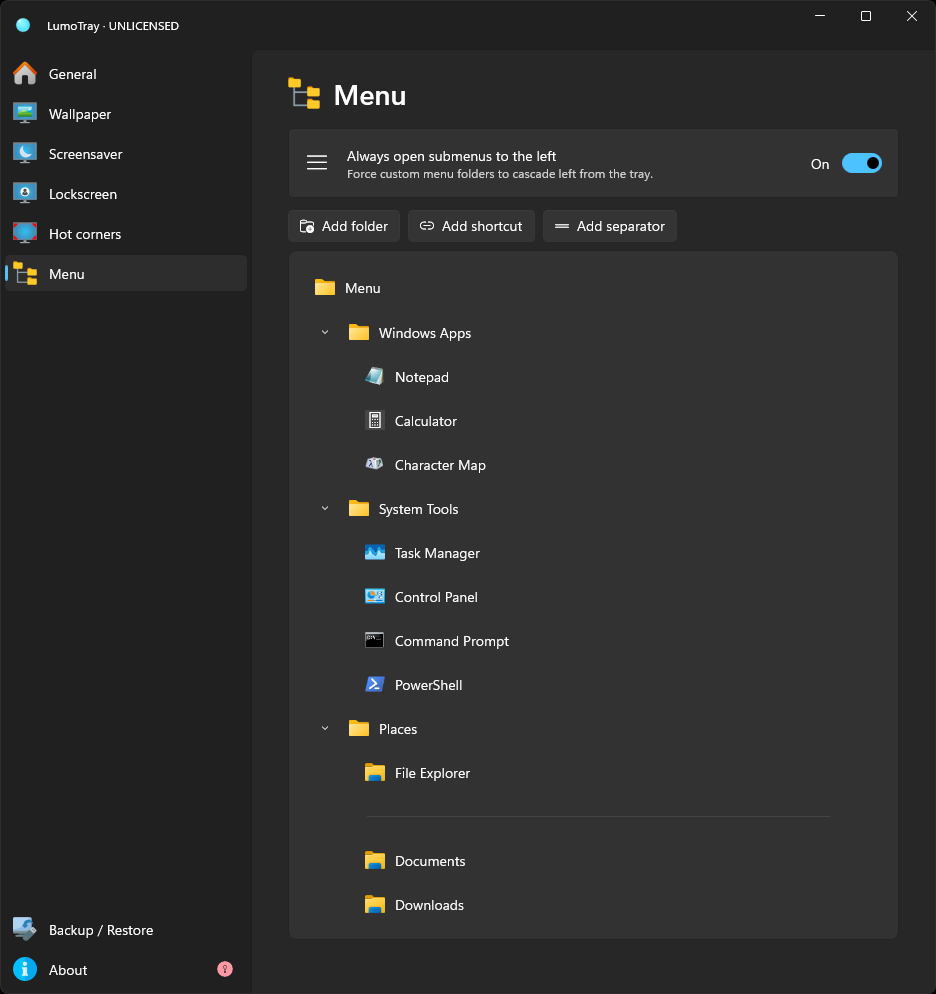
Build a Windows 11 tray menu for apps, files, folders, websites, scripts, and nested shortcuts, with practical organization and safety tips.
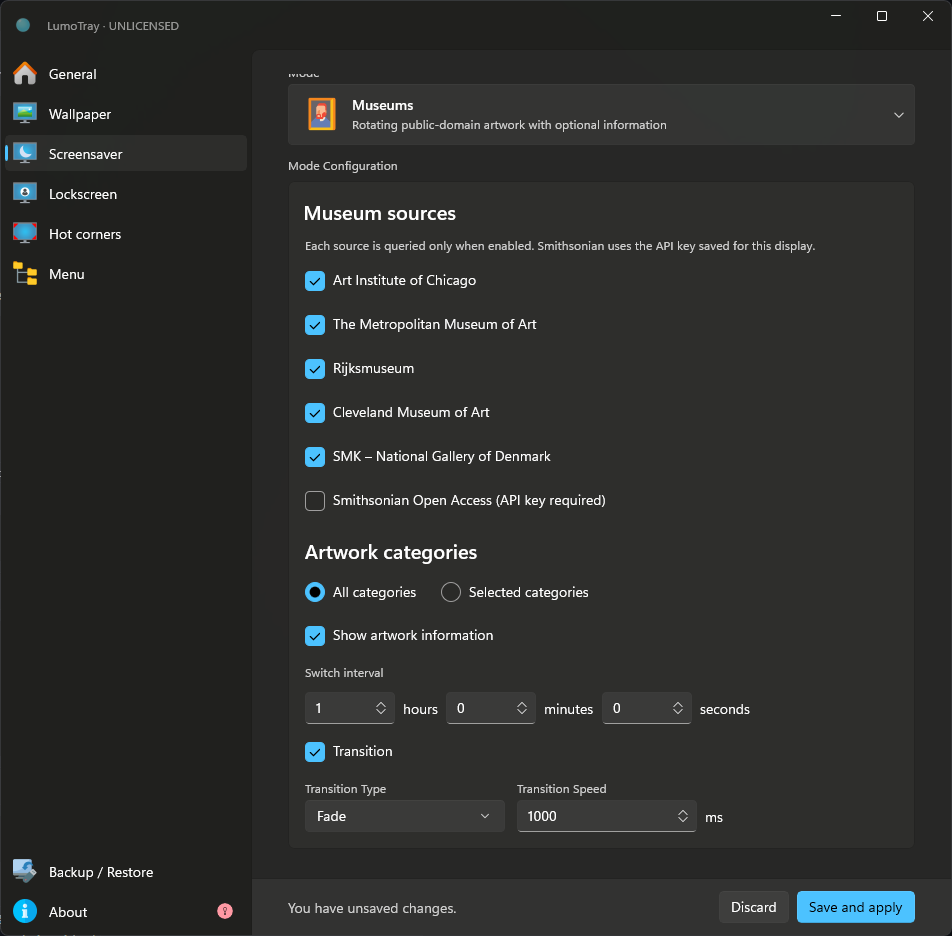
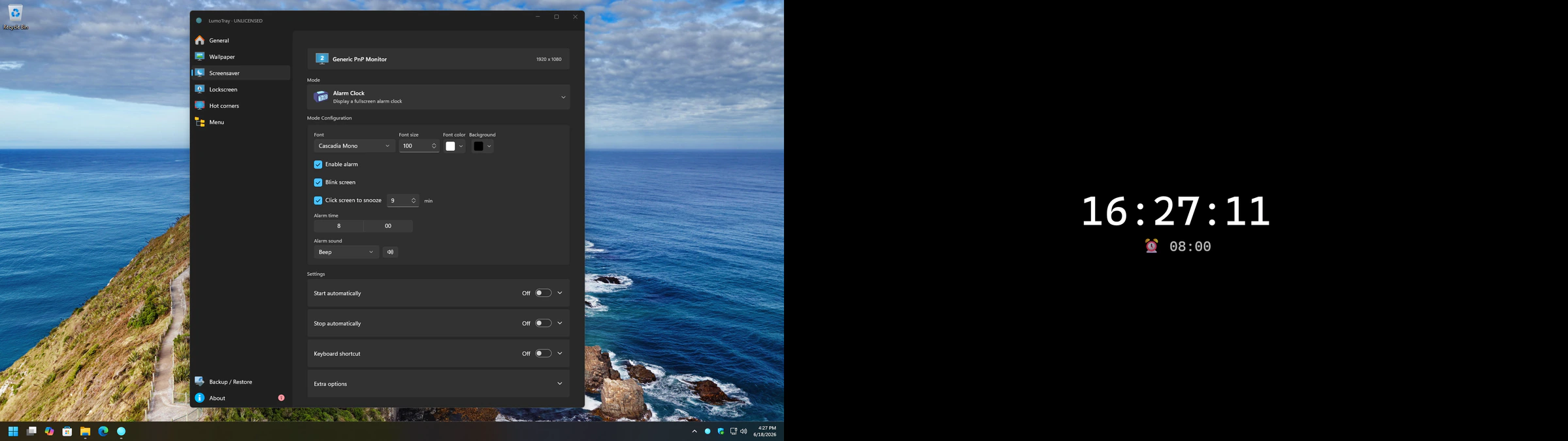
Windows runs one system screensaver across the desktop. LumoTray can put a clock, slideshow, video, or another mode on a single monitor instead.
If you use more than one monitor on Windows, you have probably noticed where the built-in tools stop.
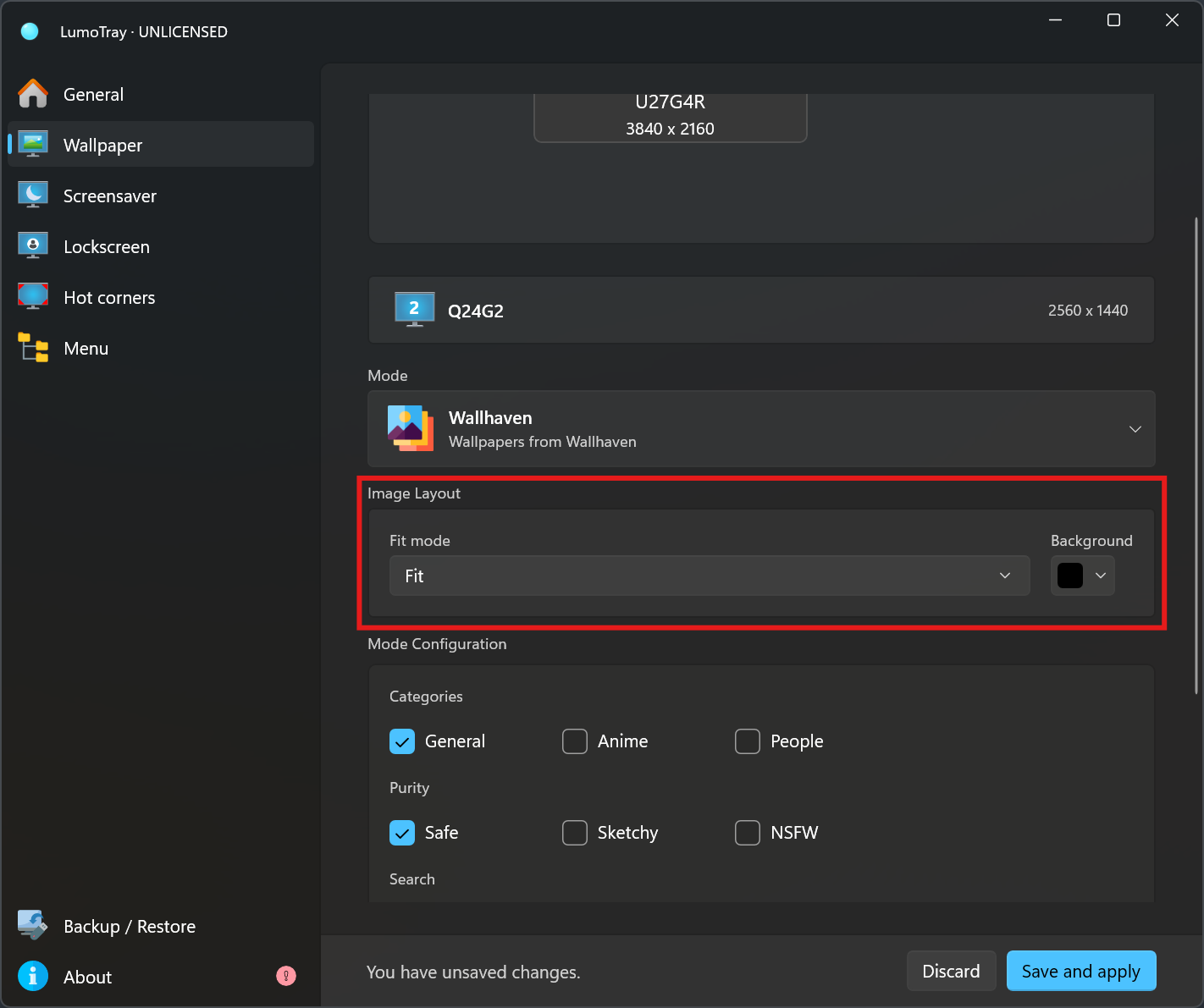
LumoTray 2.1.0 adds the most-requested feature since v2 launched: separate wallpaper fit modes for each monitor. A handful of fixes are included too.
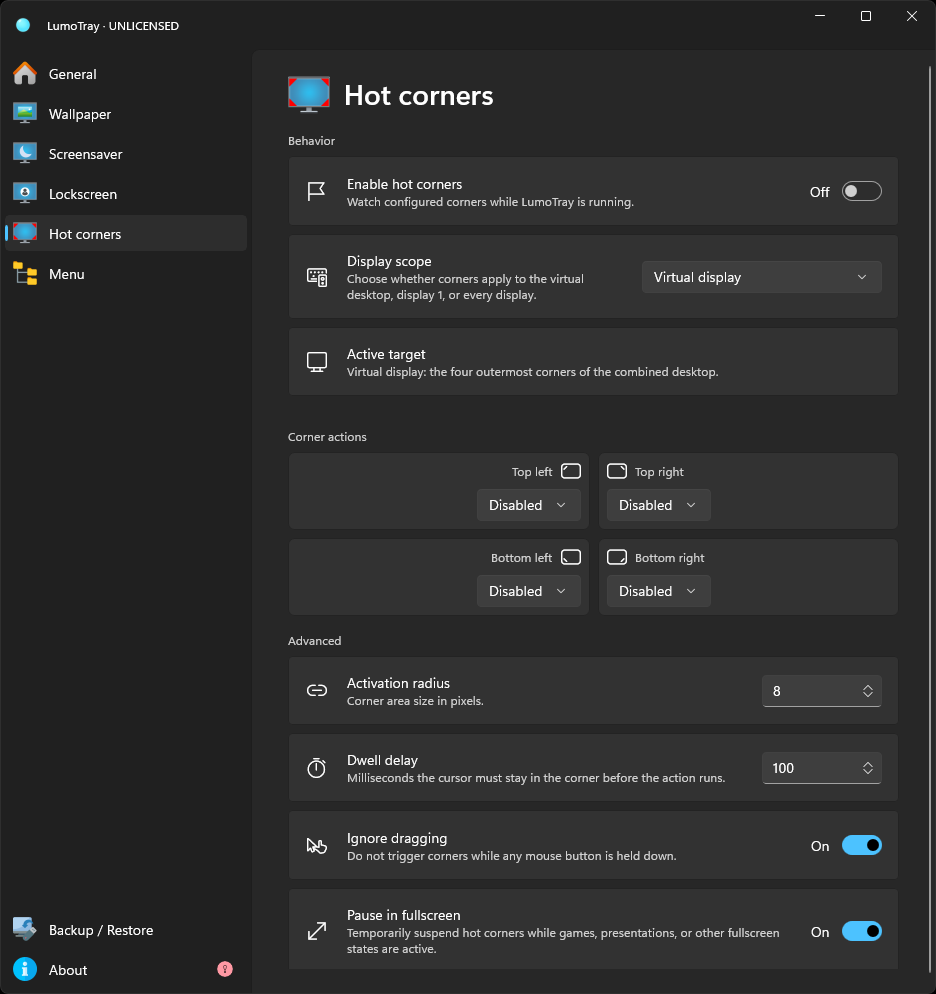
Windows 11 has no built-in hot corners. Compare AutoHotkey, dedicated utilities, and LumoTray, then choose the simplest setup for your workflow.
LumoTray 2.0.7 is out with a frequently requested menu feature and a few wallpaper fixes.
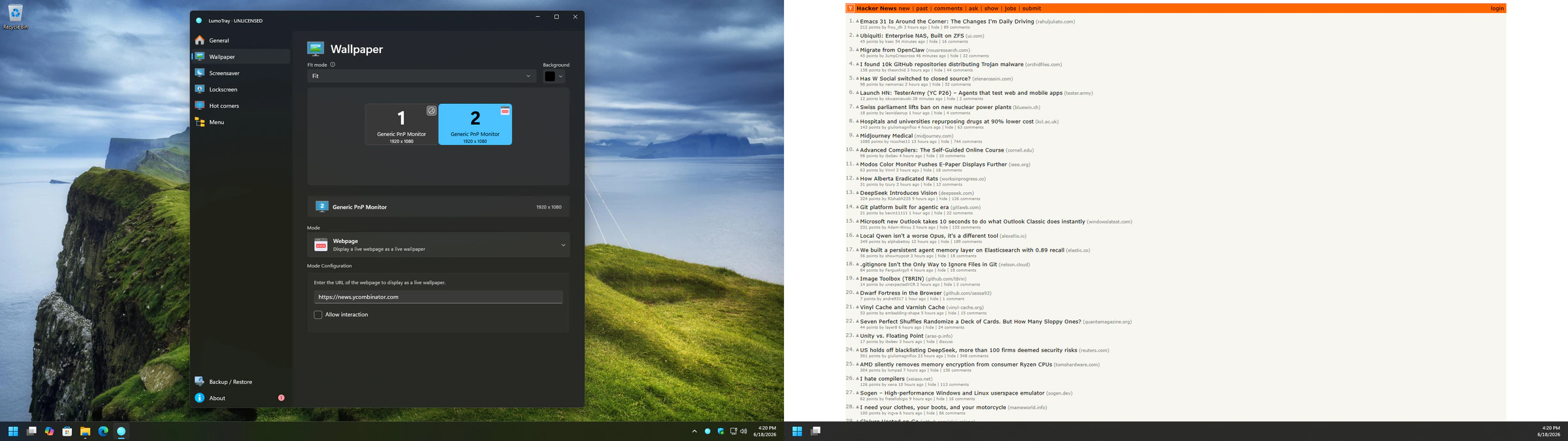
Set a different wallpaper on each monitor in Windows 11. Follow the built-in method, then add separate slideshows, sources, and fit modes with LumoTray.
Release notes, development updates, and practical Windows 11 guides from the independent developer behind LumoTray.