
Settings for each display
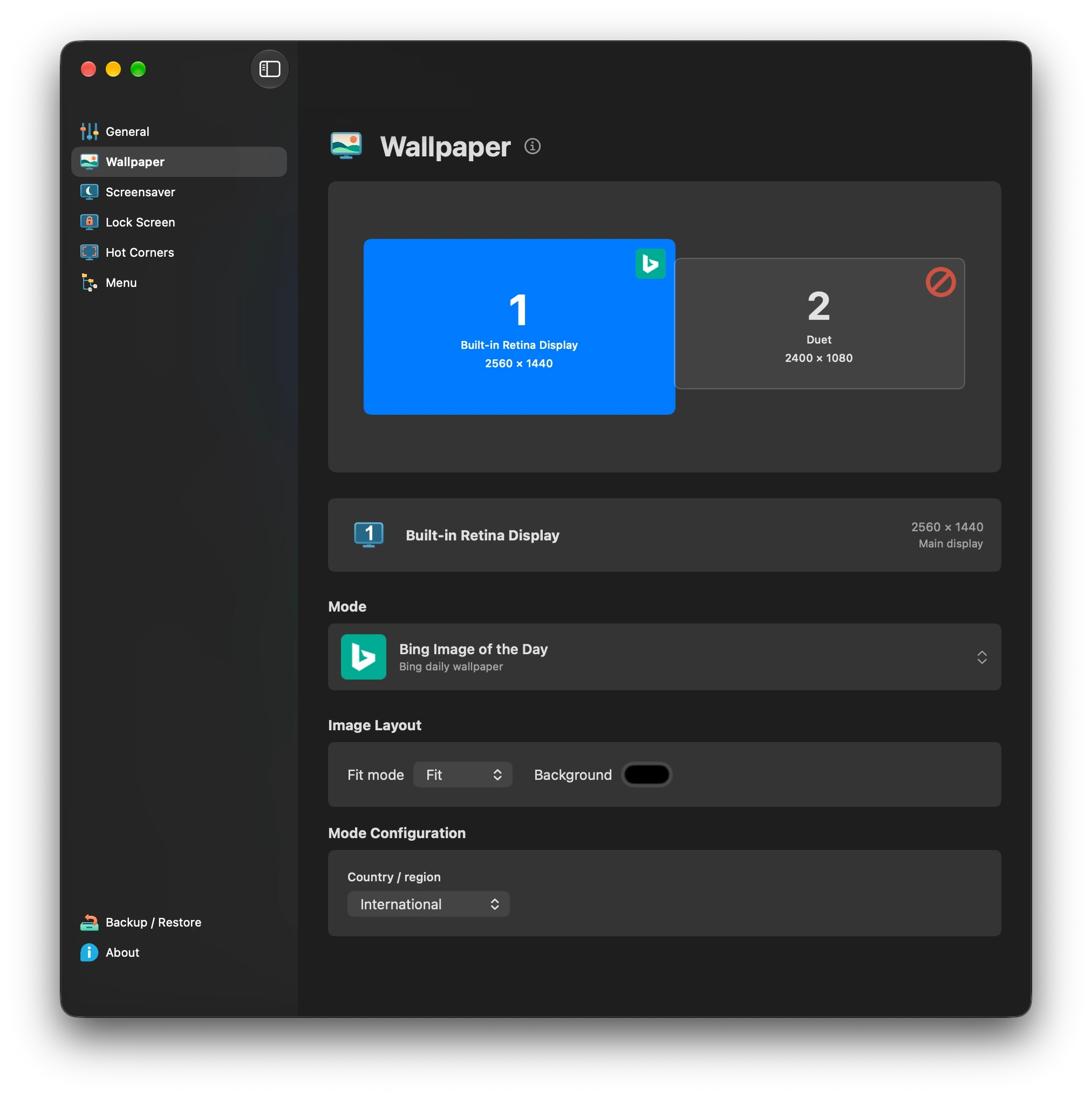
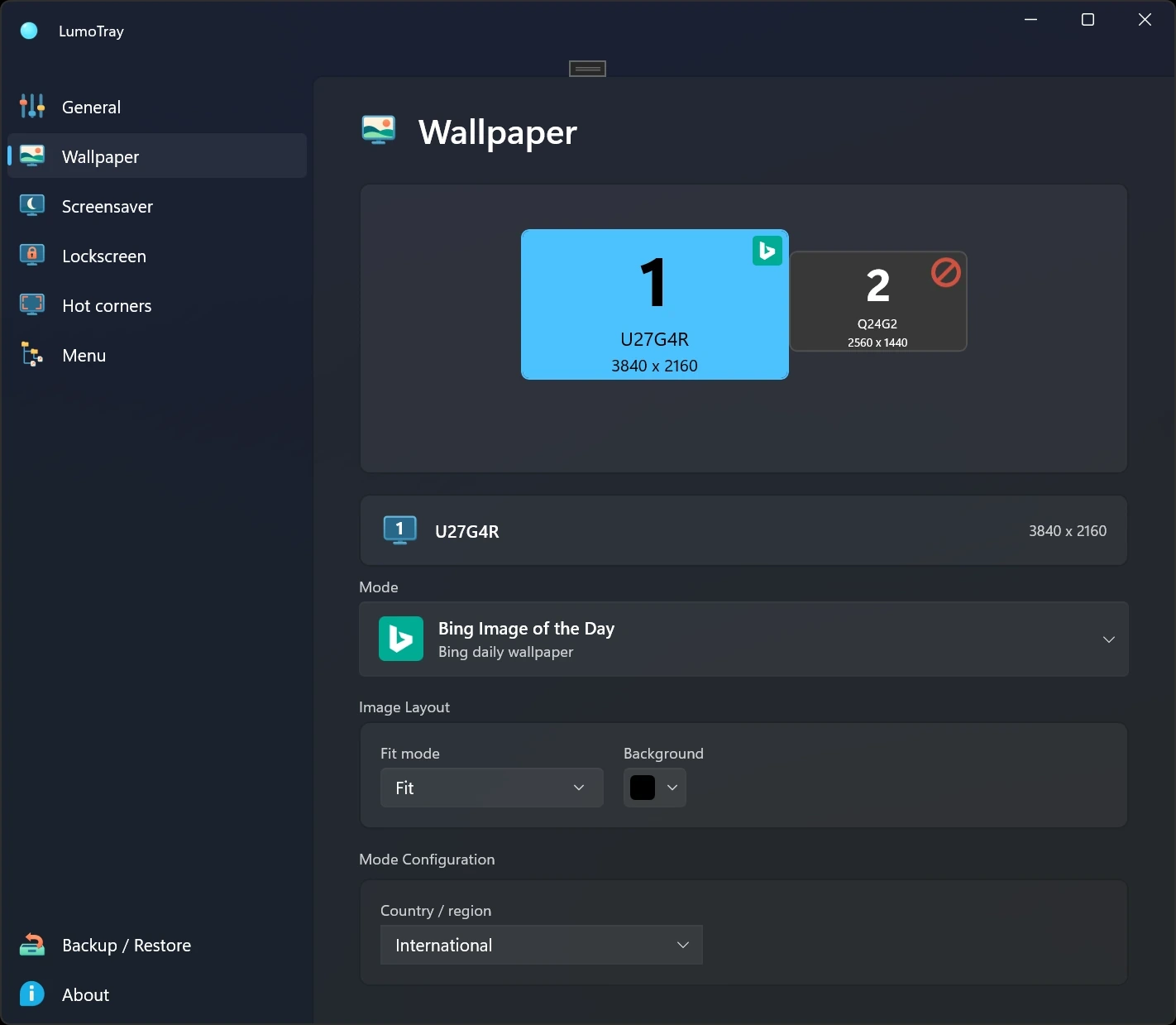
Choose the source, fit, timing, and color separately instead of settling for one global setup.
 LumoTray
Wallpaper manager
Give each monitor its own image, slideshow, online source, or live scene - and keep the settings attached to the right physical display.
LumoTray is built around real multi-monitor desks. A quiet image on the main display, museum art on the side, and a live dashboard on the screen across the room can all coexist.
Windows 2.4.0 · Mac 1.0.0-beta.5
Butterchurn and Warp Visualizer react to your music, as live wallpapers or screensavers. Set them up separately on each display.
See the new modes in action →Choose the source, fit, timing, and color separately instead of settling for one global setup.
Use your own files or rotate Bing, Windows Spotlight, NASA, Unsplash, Wallhaven, and museum collections.
Run video, webpages, PDFs, Matrix, Hexells, and playlists, or let Butterchurn and Warp Visualizer react to your music.
Available modes
Windows
The full live wallpaper experience, built to feel at home on Windows.
Explore LumoTray for Windows →macOS
Enjoy live wallpapers powered by LumoTray without turning wallpaper control into a daily chore.
Explore LumoTray for Mac →