

macOS LumoTray for macOS
LumoTray, shaped for the Mac.
A native menu-bar utility for people who want every display to have its own purpose—built to feel at home on macOS.
Download for MacmacOS 14 or later - Apple silicon
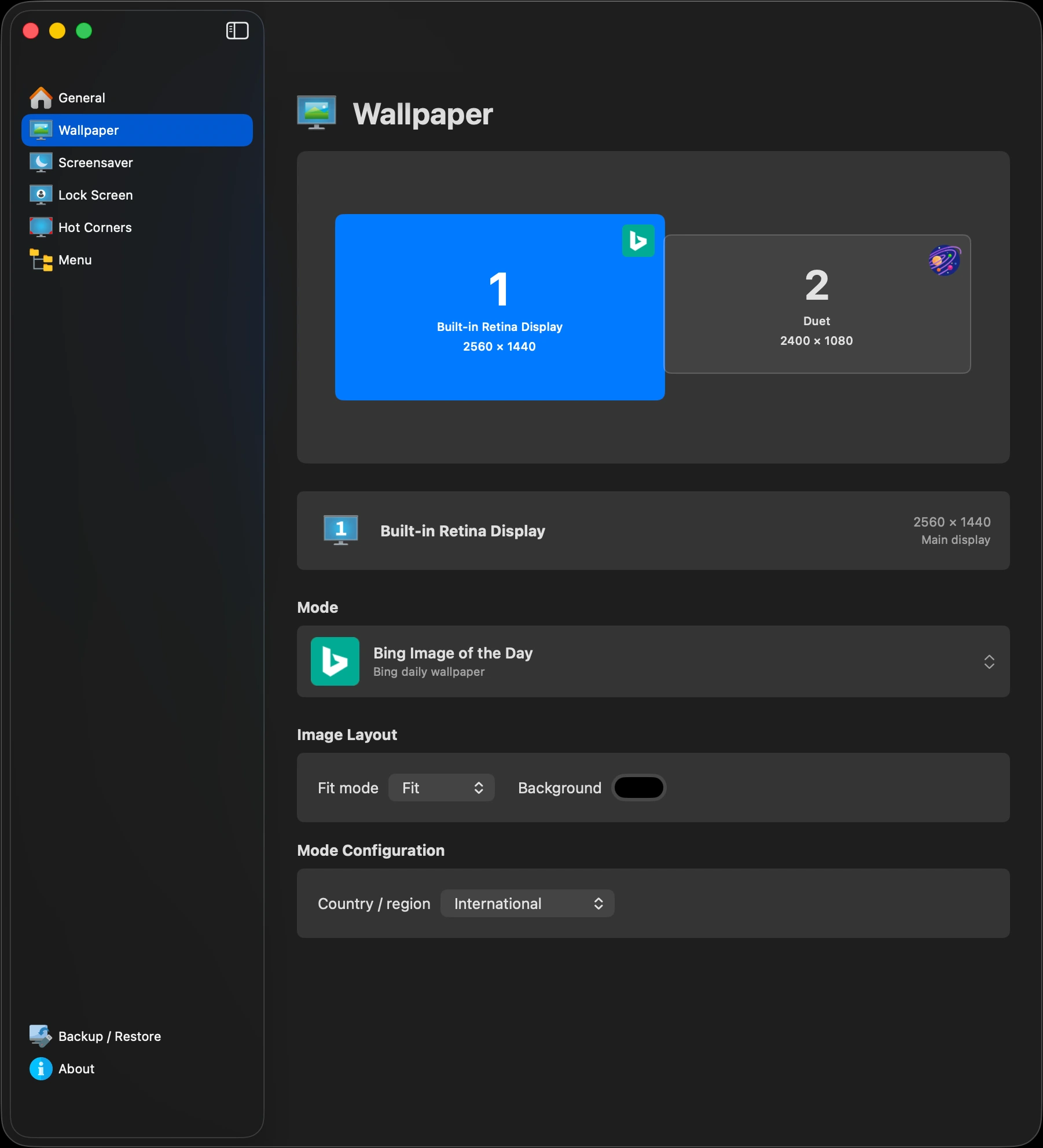
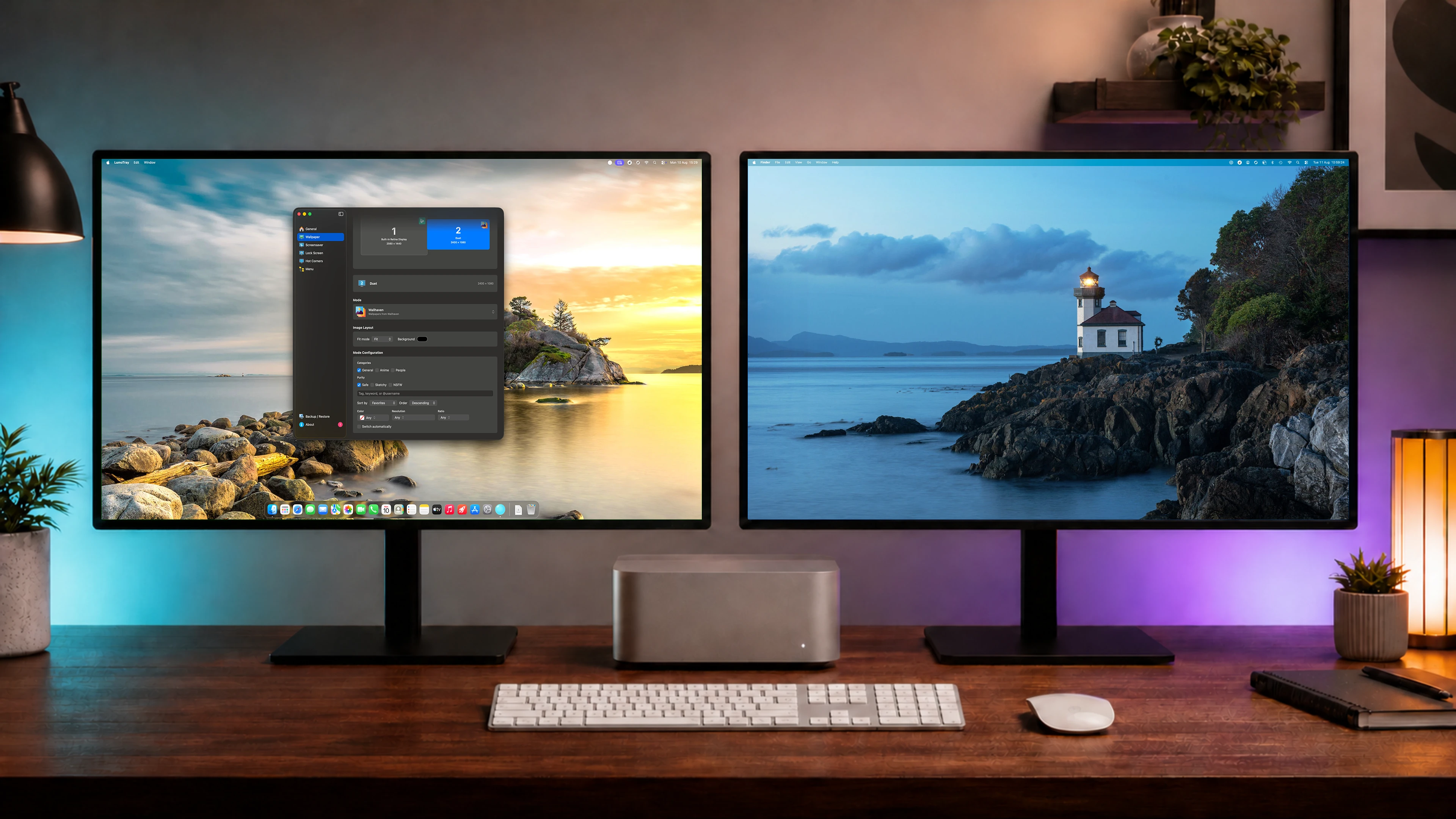
Always close by
From the menu bar to every display.
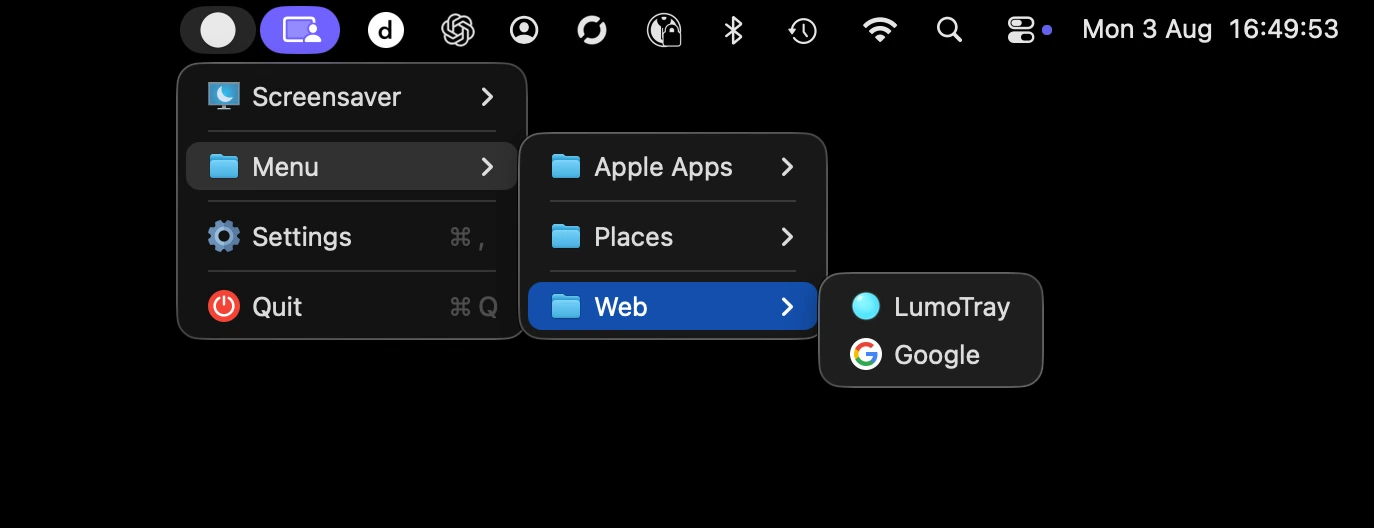
Open your shortcuts in place, or step into the full app when you want to change what each monitor is doing.
Configurable click behavior
Make the menu-bar icon work your way.
Choose how LumoTray responds to left, double, and middle clicks. Each click can have its own supported action.
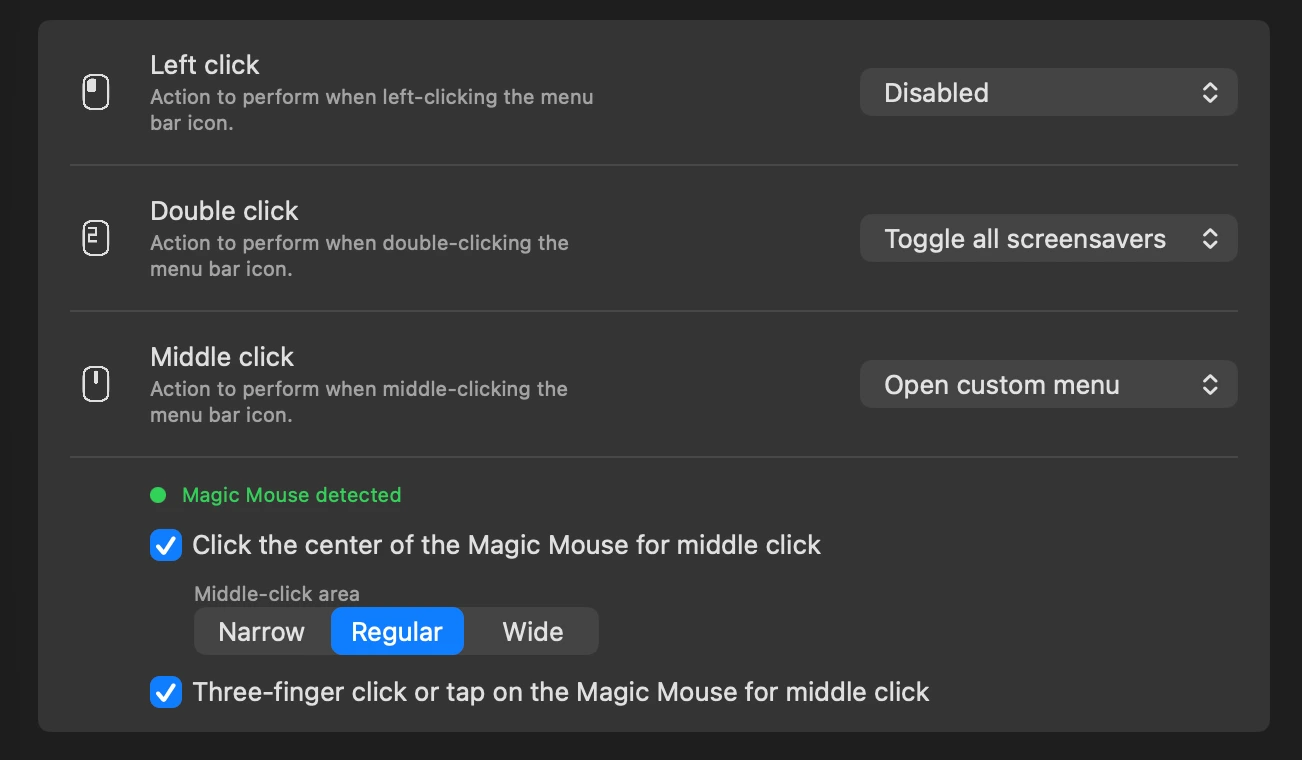
Use a center click or three-finger click or tap on a detected Magic Mouse as a middle click, then assign it like any other icon click.
This middle click works system-wide, not only in LumoTray. Use it anywhere an app supports middle click, such as opening links in new browser tabs or closing tabs. It is also a simple alternative to installing a separate Magic Mouse utility just for middle click.
Five tools, one display model
Configure the screen you mean.
LumoTray remembers settings per physical display, follows native macOS patterns, and stays out of the way in the menu bar.
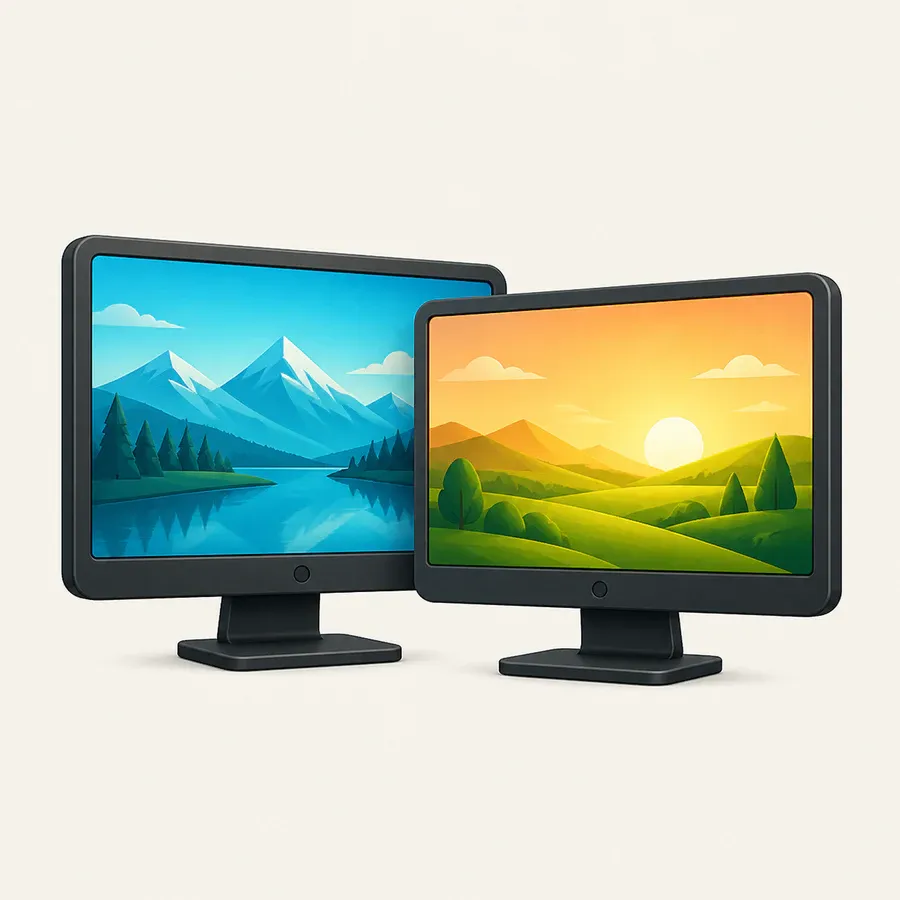
Wallpapers
Images, slideshows, online sources, and live scenes per display.
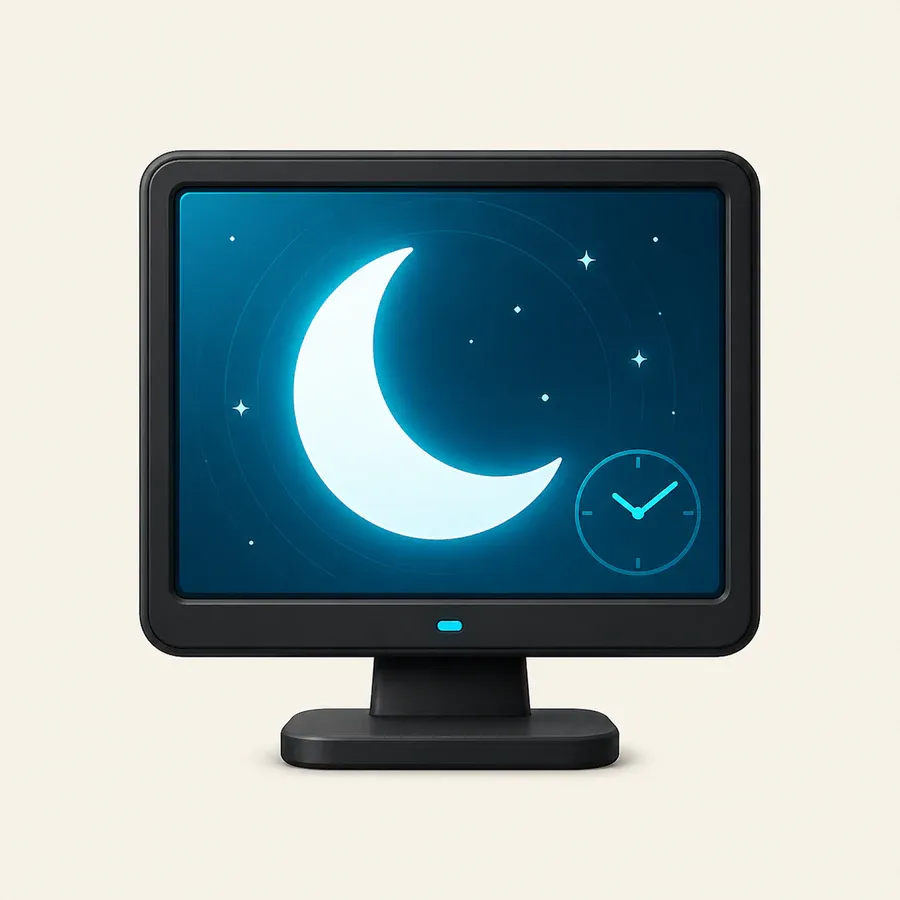
Screensavers
Clocks, artwork, media, webpages, and useful fullscreen modes.

Lock Screen
Independent post-login images on multiple displays.
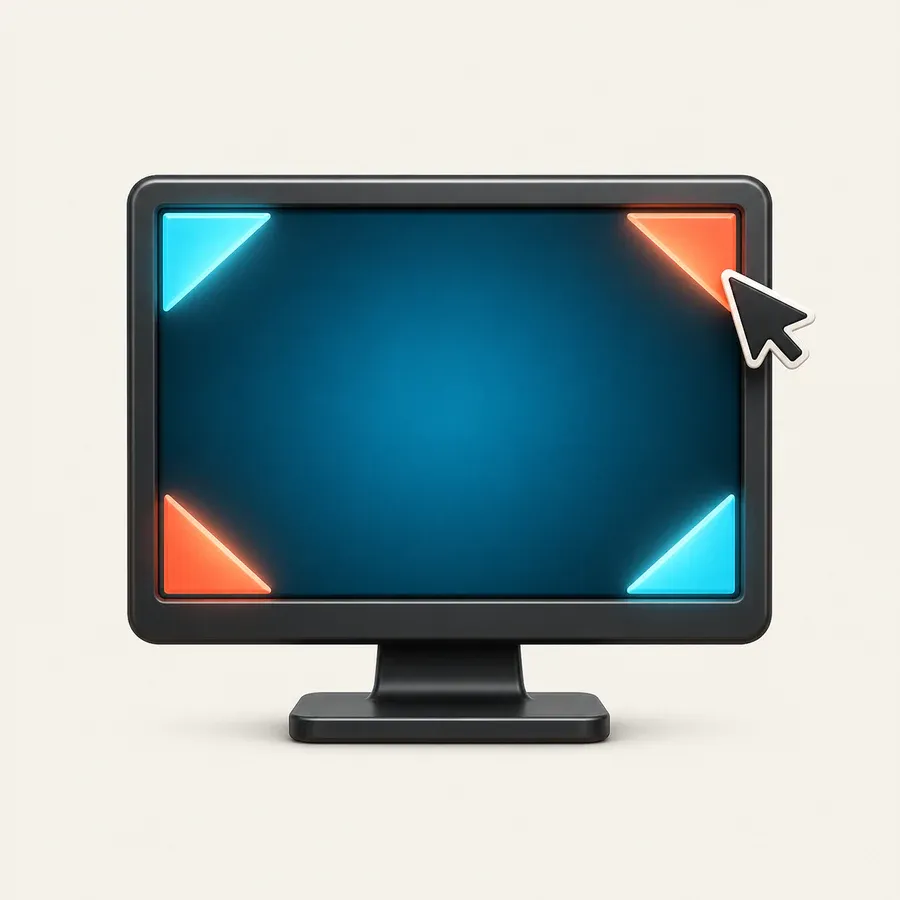
Hot corners
Display-aware actions with deliberate dwell and rearming.

Custom menu
Apps, files, folders, and HTTPS sites from the menu bar.
What to expect
The first Mac release.
The first public build is 1.0.0-beta.3 for Apple silicon. Most features already match the Windows app, with extra multi-monitor support for Lock Screen images on Mac and a system-wide Magic Mouse middle-click extension.
Updates arrive automatically after installation. During the beta, feedback and bug reports are especially welcome - if something feels unclear or does not work as expected, please let me know.
Ready when you are
Bring LumoTray to your Mac.
Download for MacLooking for the other version? LumoTray for Windows →