
Understands display geometry
Stacked, offset, and joined monitors are handled as a real desktop rather than one imaginary rectangle.
 LumoTray
Hot corners
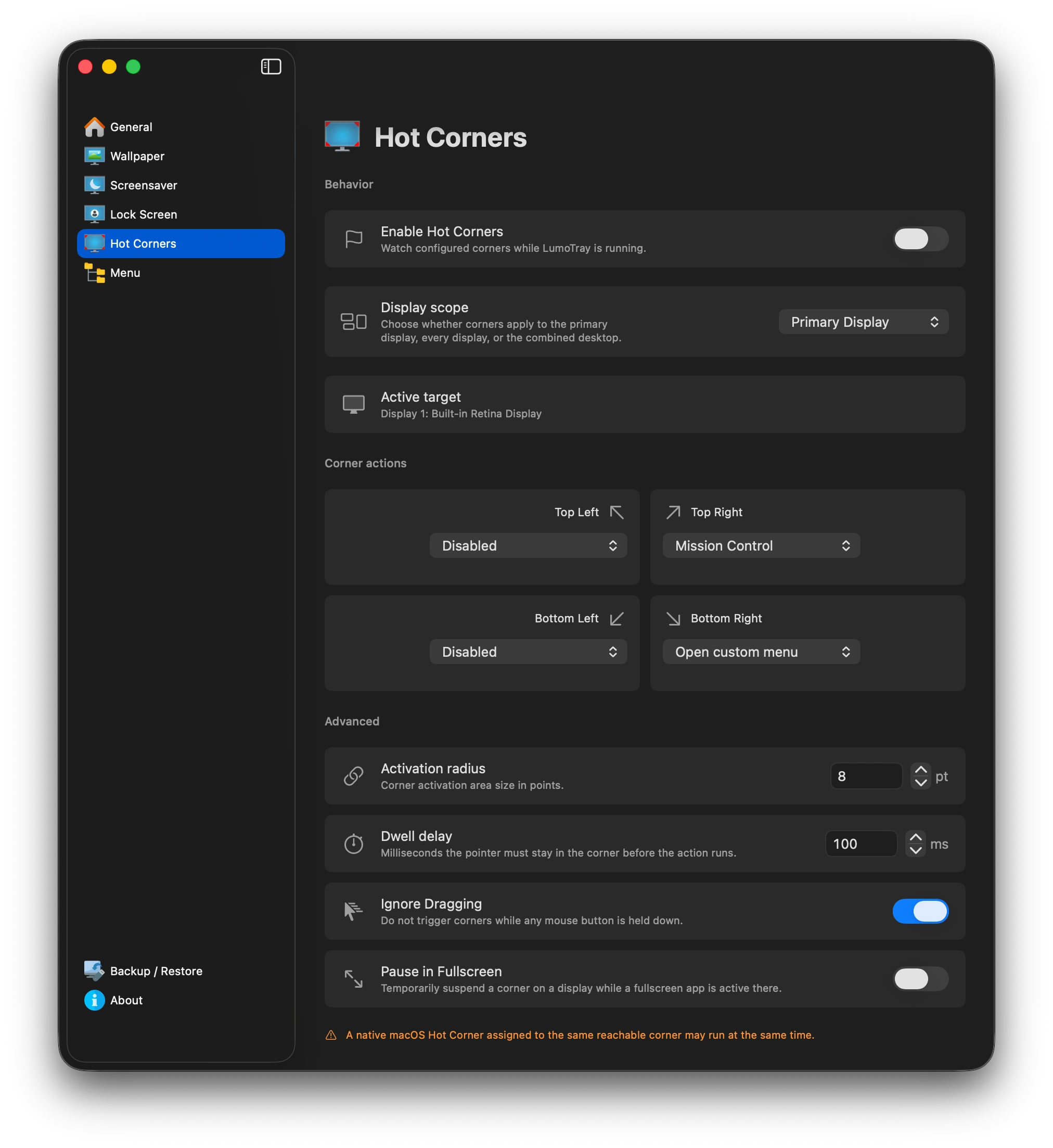
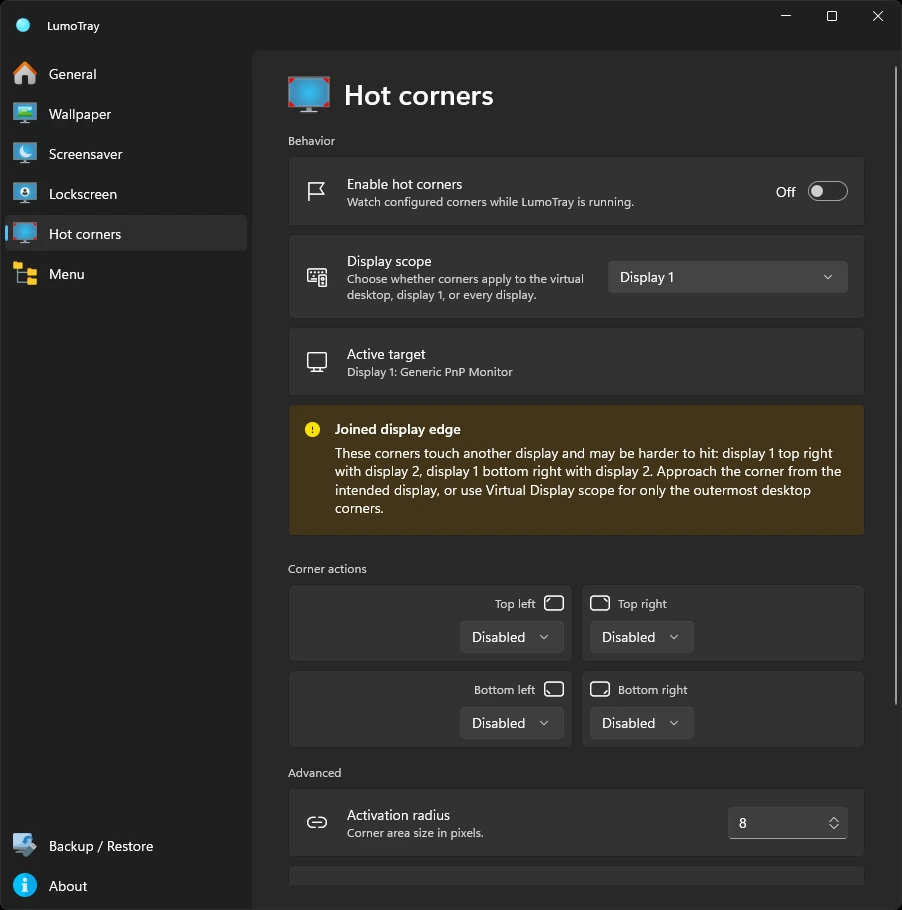
Move into a screen corner to start a screensaver, lock, open the custom menu, show the desktop, launch an app, or perform another useful action.
Corners can belong to the primary display, every display, or the combined desktop. Dwell time, activation radius, and rearming prevent accidental triggers.
Stacked, offset, and joined monitors are handled as a real desktop rather than one imaginary rectangle.
Set the radius and dwell, ignore dragging, and require the pointer to leave before a corner can fire again.
Start one screensaver, open your menu, lock, toggle the desktop, or jump directly to Settings.
macOS
Go beyond macOS’s built-in hot corners with independent multi-monitor actions. LumoTray coexists with native assignments and requires no invasive permissions or synthetic input.
Explore LumoTray for Mac →Windows
Adds the hot-corner workflow Windows does not provide, including display-specific screensaver and desktop actions.
Explore LumoTray for Windows →